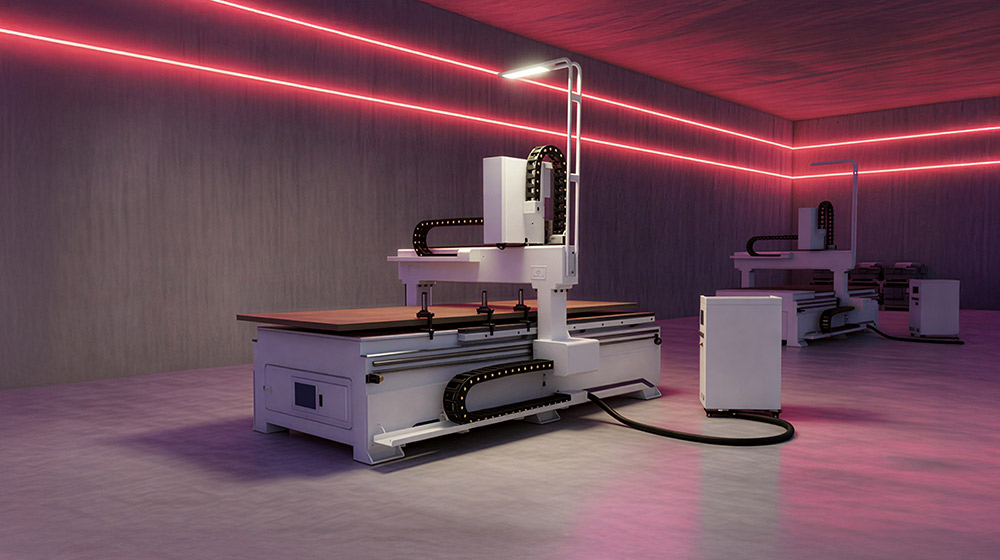


If your CNC router uses two motors on the long axis and one or both are faulting, the motors or drives may not necessarily be the problem.
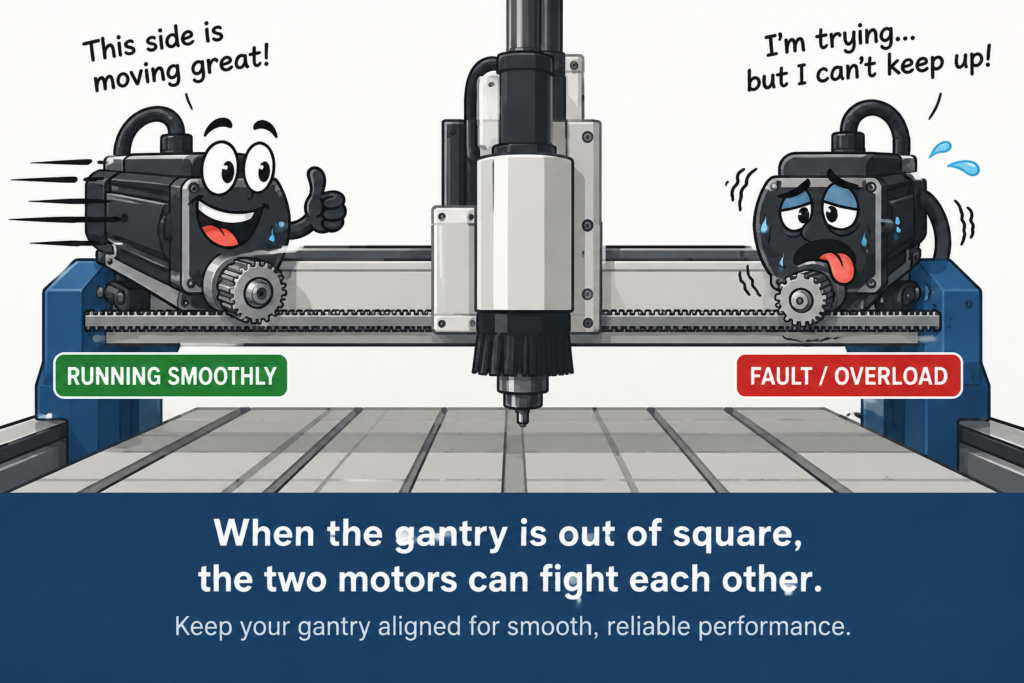
A common cause is gantry alignment. If the gantry is out of square or binding, the two motors can fight against each other, increasing the load and eventually causing a motor or drive fault.
A Quick Motor Test
Before changing acceleration, velocity, or servo parameters, test the motors without the mechanical load.
Disengage both motors from the rack and securely clamp them on the machine table or a workbench. Mark the starting position of each motor shaft and set the axis position to zero in the CNC controller.
Command the motors to rotate several revolutions and then return to zero.
Both motors should return to exactly the same marked position.
If they do, the motors are likely operating correctly, and you should investigate gantry squareness, binding, rack-and-pinion engagement, or other mechanical issues.
If one motor does not return to its original position, or the motors don’t rotate together, investigate the motor, drive, encoder, wiring, control signals, or settings. Two motors that don’t move consistently together can also push the gantry out of square.
If the motors test correctly but fault when connected back to the machine, check the mechanical system before changing motor parameters.
For more information, see our CNC Gantry Squaring & DIY Maintenance Guide.